
 text-based video editing
Descript: uses, limits and practical trial
Descript provides audio and video editing with transcription based features. Text helps navigation and editing, but listening and viewing remain necessary.
Sources consulted on · Descript

Directory facts
- Publisher / organisation
- Descript
- Directory status
- Active reference
- Primary use
- text-based video editing


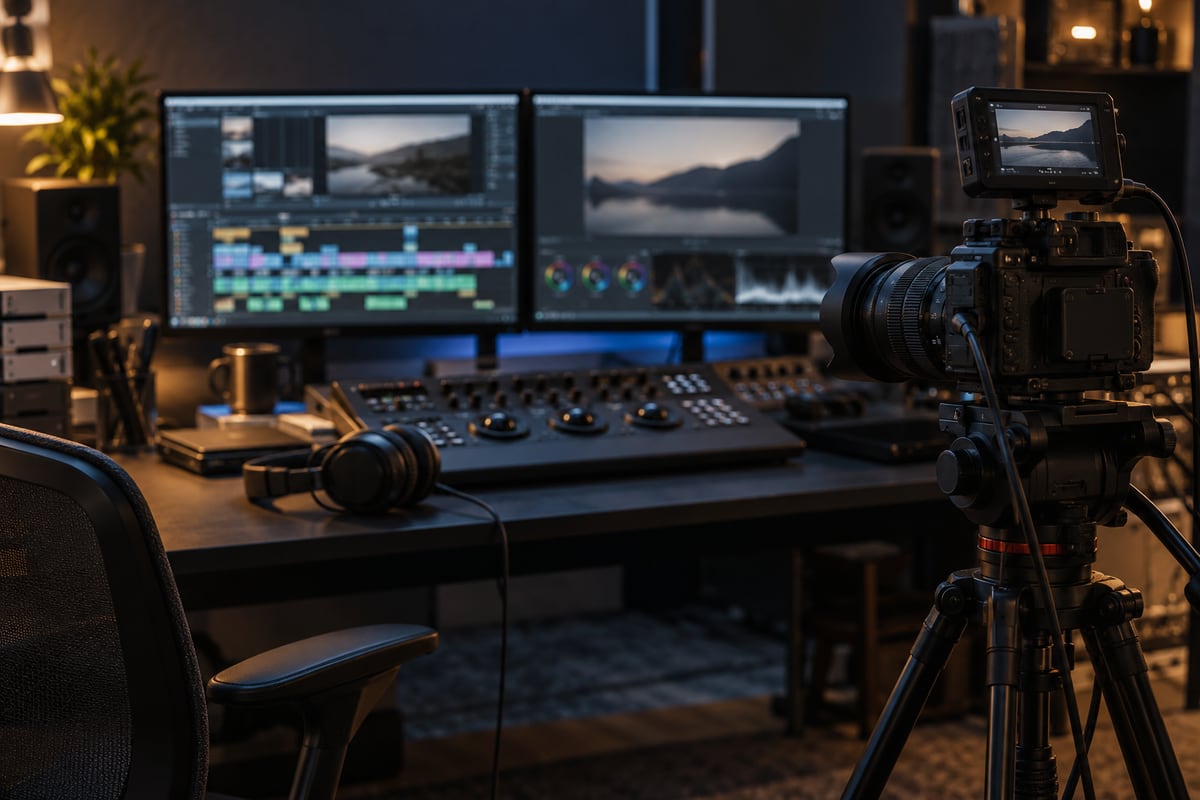

Suitable tasks
Prepare an interview, tutorial or spoken excerpt. Identify passages to preserve and words requiring particularly accurate transcription.
Limits and checks
A textually correct cut may create an awkward audio or video join. Names, overlapping speech and technical terms may be transcribed incorrectly.
A repeatable trial
Import an authorized recording lasting a few minutes with two voices. Correct transcription, cut a passage and add captions. Check synchronization, joins, names and export quality.
How to decide
Choose this workflow when text editing reduces manipulation while retaining precise correction. Include reviewed transcription and final inspection time.
Family checklist and examples of failures →
Frequently asked questions
Should I listen after a text cut?
Yes. Check the join and sentence meaning.
What should I review in captions?
Names, terms, segmentation and synchronization.
Which recording should I use?
Content for which you have the necessary permissions.
Official documentation and scope
Source consulted · 11/10/2026 ↗
Functions are described from documentation. Proposed trials are editorial advice, not executed benchmarks. Check prices, quotas, access and conditions before choosing.